
C-Span Student Cam contest.
C-Span Student Cam contest.
Seems like this could be a useful bit of film for some project.
Instagram’s Hyperlapse works well in good light to stabilize handheld video. It was developed for time-lapse shots, but at 1X it does the same thing for normal speed.
Now there’s a Kickstarter to add the technology to any GoPro or DSLR. Very handy. Only downside on the iPhone is Hyperlapse reduces 1080 filming to 720 — which is a version of what post-production image stabilization does, anyway, but not usually with such a large jump down in resolution. An earlier araratfilm.org post has some tips, including how to force 1080.
The numbers in parentheses refer to sections in the iMovie 10 course at lynda.com. You may also want to look things up in iMovie: The Missing Manual, available in the Learning Commons.

If you haven’t, upgrade.

Lots of room for debate on the BBC’s picks of 100 greatest US films.
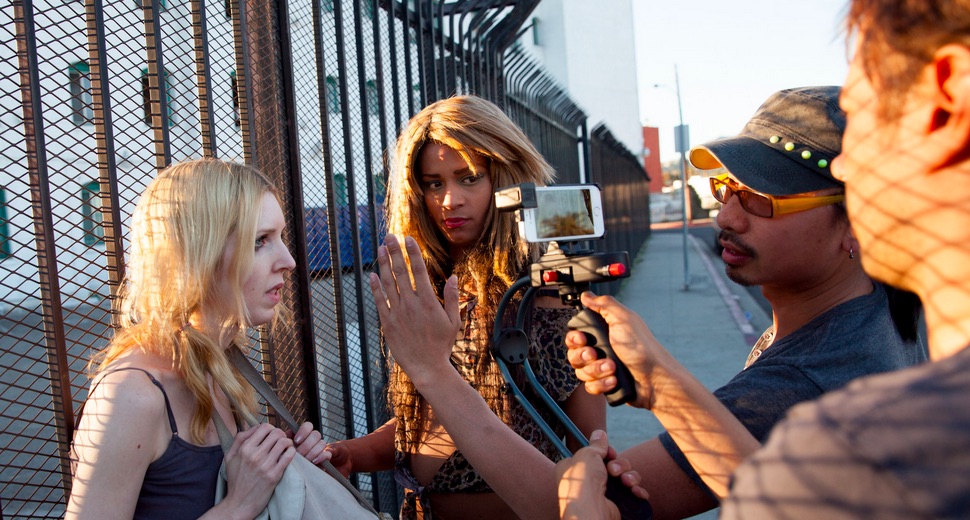
FiLMiC Pro is the gold standard of iPhone film apps. Well worth the $7.99. It was used (with Moondog Labs anamorphic adapter) to film the feature Tangerine.
Good intro tutorial:
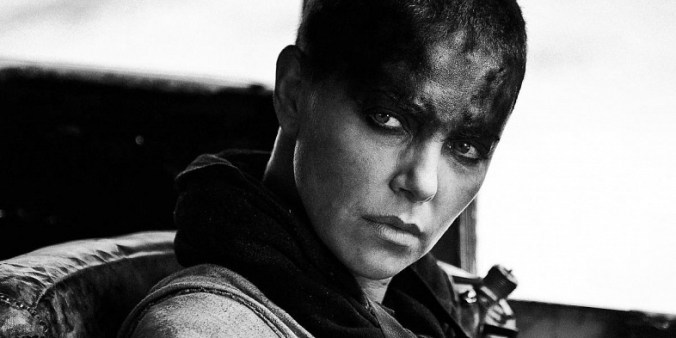
Director George Miller says “the best version of this movie is black and white,” and the BluRay disc includes it. (Thanks, Alicia, for the heads-up on this.) Cf. Steven Soderbergh’s version of Raiders of the Last Ark that we watched first semester.
Lots to learn in these five supercuts, starting with the ubiquitous refrigerator shot. More directly at Vimeo.
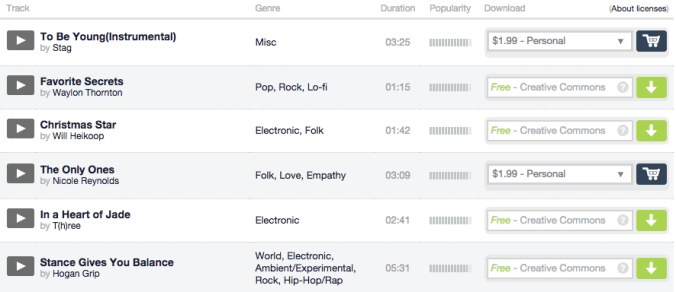
Great source for soundtracks.
 Understanding Film