
The New Yorker has a major piece on Star Wars. Brody makes a case for Lucas’ being a better filmmaker in some of the films than I have often thought.
The New Yorker has a major piece on Star Wars. Brody makes a case for Lucas’ being a better filmmaker in some of the films than I have often thought.

Data from five classes (+ Advisory) is here. (N = 70; percentages are calculated per number of respondents on each question, so they are artificially high.)
Pick one. Download it. Start a new Library in iMovie. Add the YouTube as an Event. Start a new Movie, drag the video in. Go back to YouTube (or Tumblr or Google Images or anyplace) and get video/stills to use as quick cutaways to illustrate John or Hank is talking about. If your original video is not studded with quick cuts, maybe find a section to use a slow pan in…
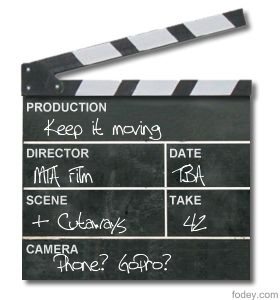
Basics:
Formal requirements:
If you have an iOS device, it might be time to learn FilmicPro. No matter what camera you use, it might be good to review Lynda.com:
“Librarian of Congress Renews and Expands Protections for Fair Uses”
Remix Videos From DVD and Blu-Ray Sources
The Librarian effectively renewed the existing exemption for noncommercial remix videos, and expanded it to cover circumvention of DRM on Blu-Ray discs. Opponents had argued (as they have before) that remix videos are “generally infringing” and that artists should make do with whatever they can acquire through video capture or by pointing their smartphone at a screen. In fact, remix is widely recognized as a thriving genre of fair use used for all kinds of valuable political and cultural commentary and expression. Equally obviously, high quality source is essential to making the creation of persuasive, compelling works, whether those works be documentaries, Hollywood blockbusters, or short form videos. Thanks to today’s exemption remixers will be able to continue to make their art using the best quality source material.
“DMCA Section 1201 Rulemaking to Determine Exemptions to the Prohibition on the Circumvention of Technological Controls to Copyrighted Works”
Fair Use of DVDs and Online Video
The most complicated exemption focuses on DVDs. For next three years, it will be legal to rip a DVD “in order to make use of short portions of the motion pictures for the purpose of criticism or comment in the following instances: (i) in noncommercial videos; (ii) in documentary films; (iii) in nonfiction multimedia e-books offering film analysis; and (iv) for educational purposes in film studies or other courses requiring close analysis of film and media excerpts, by college and university faculty, college and university students, and K-12 educators.” A similar exemption applies for “online distribution services.”

HandBrake is a powerful open source video transcoder that is good at all sorts of video conversions, including taking large files (e.g., iMovie mp4s) and reducing their file size while retaining decent video quality.
 This especially helps for showing video through Airfoil, since it reduces the amount of data Airfoil has to deal with. Our Tools page has a description of how to use HandBrake. Choose “Toggle Presets” to output video for an AppleTV 2, which is the best setting for Airfoil and for the Room 242 projector which maxes out at 720 HD.
Please use HandBrake on all video files you submit for showing in class since it will reduce video stuttering and conserves space for my class archive hard drive.
File name format:
e.g.,
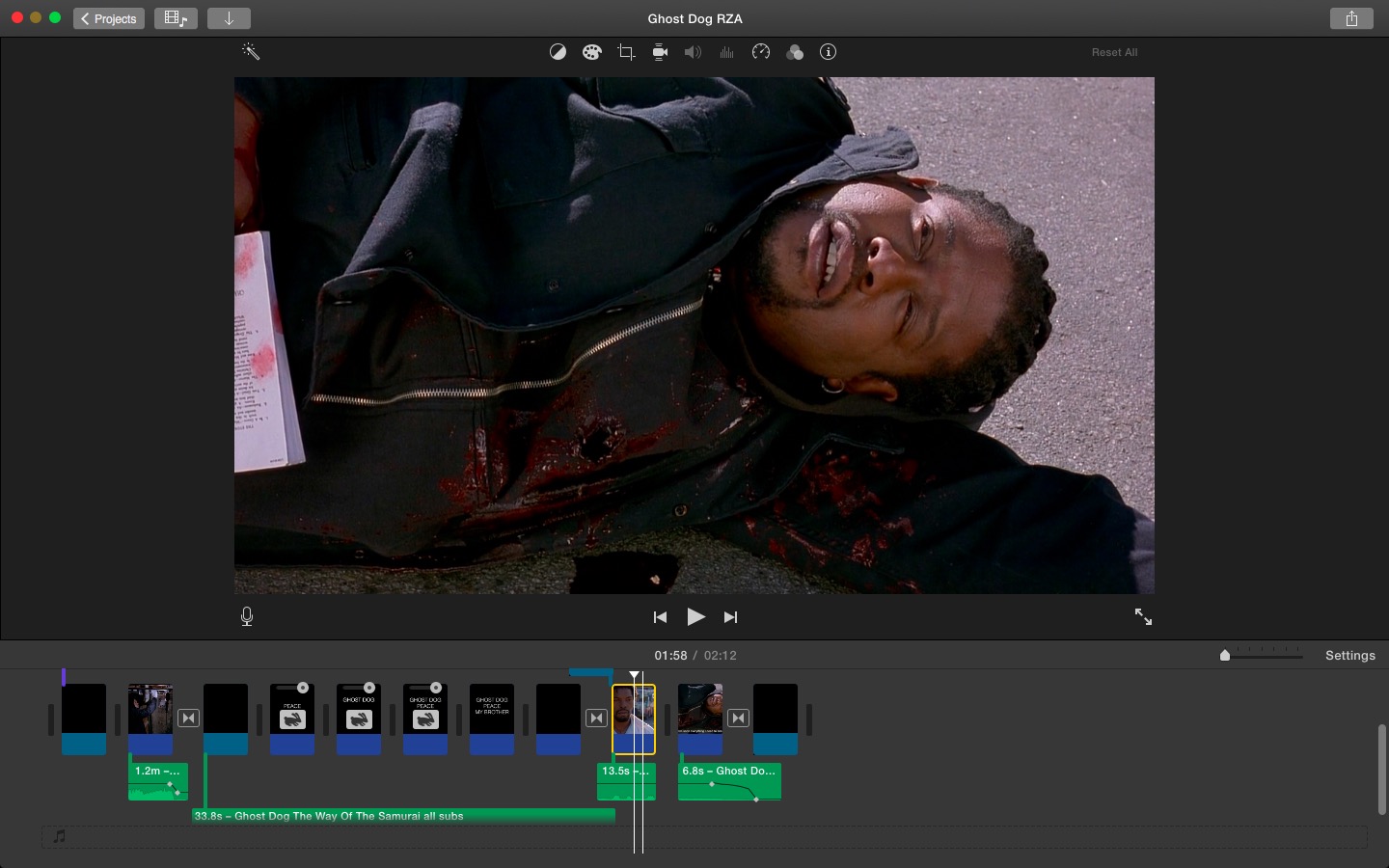
Good improvements in workspace layout, lots of little tweaks, new video filters (now called “clip filters”). Get update in the AppStore.

Announced today. Prices continue to fall.
 Understanding Film