Pick one. Download it. Start a new Library in iMovie. Add the YouTube as an Event. Start a new Movie, drag the video in. Go back to YouTube (or Tumblr or Google Images or anyplace) and get video/stills to use as quick cutaways to illustrate John or Hank is talking about. If your original video is not studded with quick cuts, maybe find a section to use a slow pan in…
Posts
“Fair Use” DRM exemptions renewed and expanded for film work
“Librarian of Congress Renews and Expands Protections for Fair Uses”
Remix Videos From DVD and Blu-Ray Sources
The Librarian effectively renewed the existing exemption for noncommercial remix videos, and expanded it to cover circumvention of DRM on Blu-Ray discs. Opponents had argued (as they have before) that remix videos are “generally infringing” and that artists should make do with whatever they can acquire through video capture or by pointing their smartphone at a screen. In fact, remix is widely recognized as a thriving genre of fair use used for all kinds of valuable political and cultural commentary and expression. Equally obviously, high quality source is essential to making the creation of persuasive, compelling works, whether those works be documentaries, Hollywood blockbusters, or short form videos. Thanks to today’s exemption remixers will be able to continue to make their art using the best quality source material.
“DMCA Section 1201 Rulemaking to Determine Exemptions to the Prohibition on the Circumvention of Technological Controls to Copyrighted Works”
Fair Use of DVDs and Online Video
The most complicated exemption focuses on DVDs. For next three years, it will be legal to rip a DVD “in order to make use of short portions of the motion pictures for the purpose of criticism or comment in the following instances: (i) in noncommercial videos; (ii) in documentary films; (iii) in nonfiction multimedia e-books offering film analysis; and (iv) for educational purposes in film studies or other courses requiring close analysis of film and media excerpts, by college and university faculty, college and university students, and K-12 educators.” A similar exemption applies for “online distribution services.”
HandBrake

HandBrake is a powerful open source video transcoder that is good at all sorts of video conversions, including taking large files (e.g., iMovie mp4s) and reducing their file size while retaining decent video quality.
 This especially helps for showing video through Airfoil, since it reduces the amount of data Airfoil has to deal with. Our Tools page has a description of how to use HandBrake. Choose “Toggle Presets” to output video for an AppleTV 2, which is the best setting for Airfoil and for the Room 242 projector which maxes out at 720 HD.
Please use HandBrake on all video files you submit for showing in class since it will reduce video stuttering and conserves space for my class archive hard drive.
File name format:
- Color Day First Name Last Name – Assignment
e.g.,
- Blue Brendan Dupont – 42 Lola Match Cut
- Blue Brendan Dupont – YouTube Recut The National
iMovie > 10.1
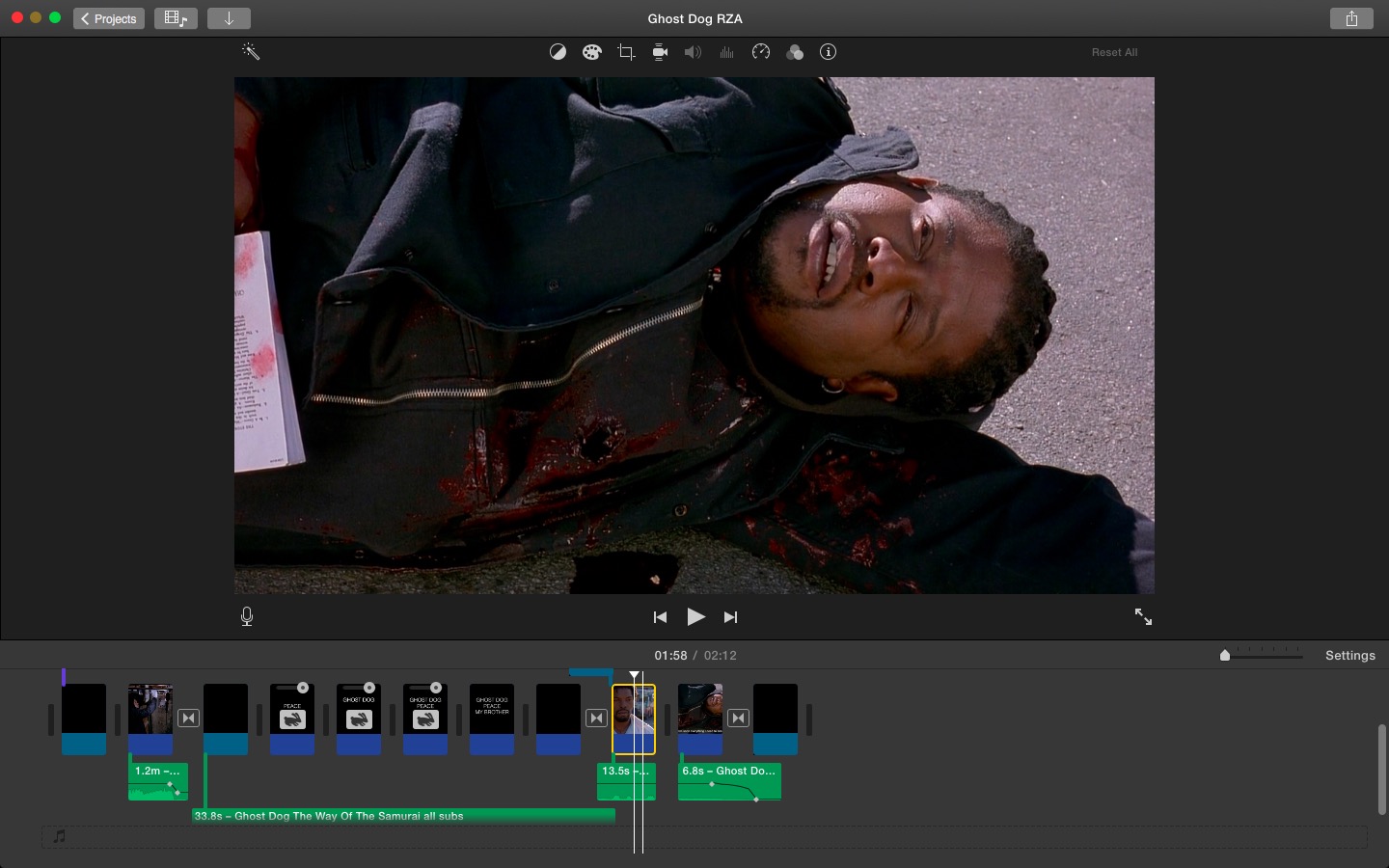
Good improvements in workspace layout, lots of little tweaks, new video filters (now called “clip filters”). Get update in the AppStore.
GoPro Hero+ – WiFi, Bluetooth, 1080p, under $200

Announced today. Prices continue to fall.
Win $100K
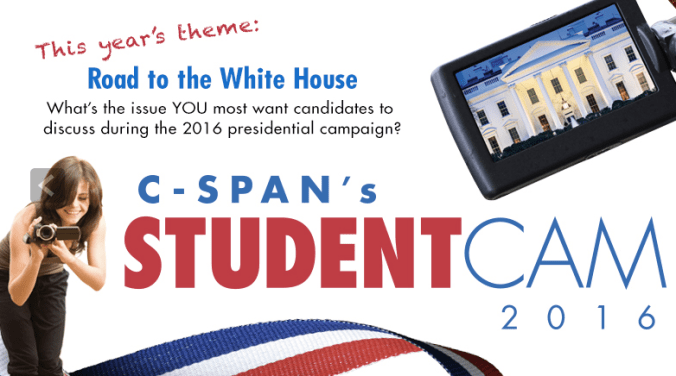
C-Span Student Cam contest.
Driving through the California fire
Seems like this could be a useful bit of film for some project.
Hyperlapse technology in a Kickstarter
Instagram’s Hyperlapse works well in good light to stabilize handheld video. It was developed for time-lapse shots, but at 1X it does the same thing for normal speed.
Now there’s a Kickstarter to add the technology to any GoPro or DSLR. Very handy. Only downside on the iPhone is Hyperlapse reduces 1080 filming to 720 — which is a version of what post-production image stabilization does, anyway, but not usually with such a large jump down in resolution. An earlier araratfilm.org post has some tips, including how to force 1080.
Basic sequence for making a conventions film
- Study and learn and understand your two conventions from the textbook and online
- Find and clip out, using QuickTime Player, at least three examples of each in Lola and at least one online
The numbers in parentheses refer to sections in the iMovie 10 course at lynda.com. You may also want to look things up in iMovie: The Missing Manual, available in the Learning Commons.
- Start a new library and movie, following this workflow
- Add clips to the project (4-2)
- make sure you understand the interface (2-1), how to use the Event Library (2-2) and
- how to import your clips from Lola and YouTube (2-3)
- Begin your film with Fade to Black (5-4)
- Add a title for your convention (5-5), followed by another title that is a concise version of the definition; use the default fonts
- Use cross-dissolve transitions (5-4) between all clips and titles, just for practice
- Trim your clips as needed (4-3); use still frames (usually called a “freeze frame”) to extend or draw attention to some aspect of the image (5-1) if you want to
- End your film with Fade to Black
- Practice your voiceover and then record it onto your film (6-4)
- When you are all done, adjust your audio tracks (6-1) to make sure audio levels match across your whole project
- Export as a 720HD file (7-2 and course workflow)
- Don’t delete or move any of your event clips — if you have to re-do your assignment, you’ll need everything
Yosemite. It’s time.

If you haven’t, upgrade.
 Understanding Film